Open digicamfilter.com and upload
Use a web browser. This is not a phone camera app. Choose a clear JPG, PNG or WebP of an adult you have permission to use.
 DIGICAMFILTER
DigicamFilter at digicamfilter.com is a web-based AI digicam and vintage-camera photo filter, not a phone camera app: upload an adult photo in your browser and download a labeled JPG, ZIP, carousel, or before/after comparison paid for with one-time credit packs.
2 free photos when you sign in · One-time credit packs · No subscription
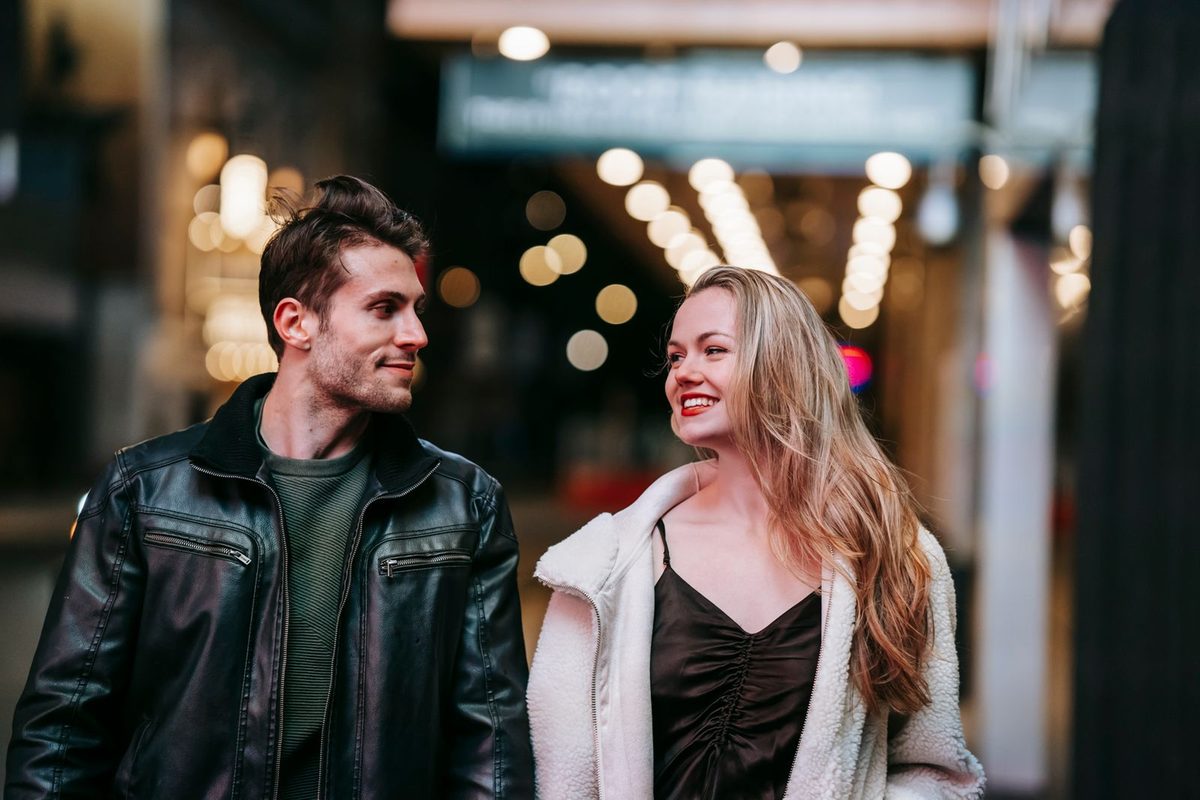
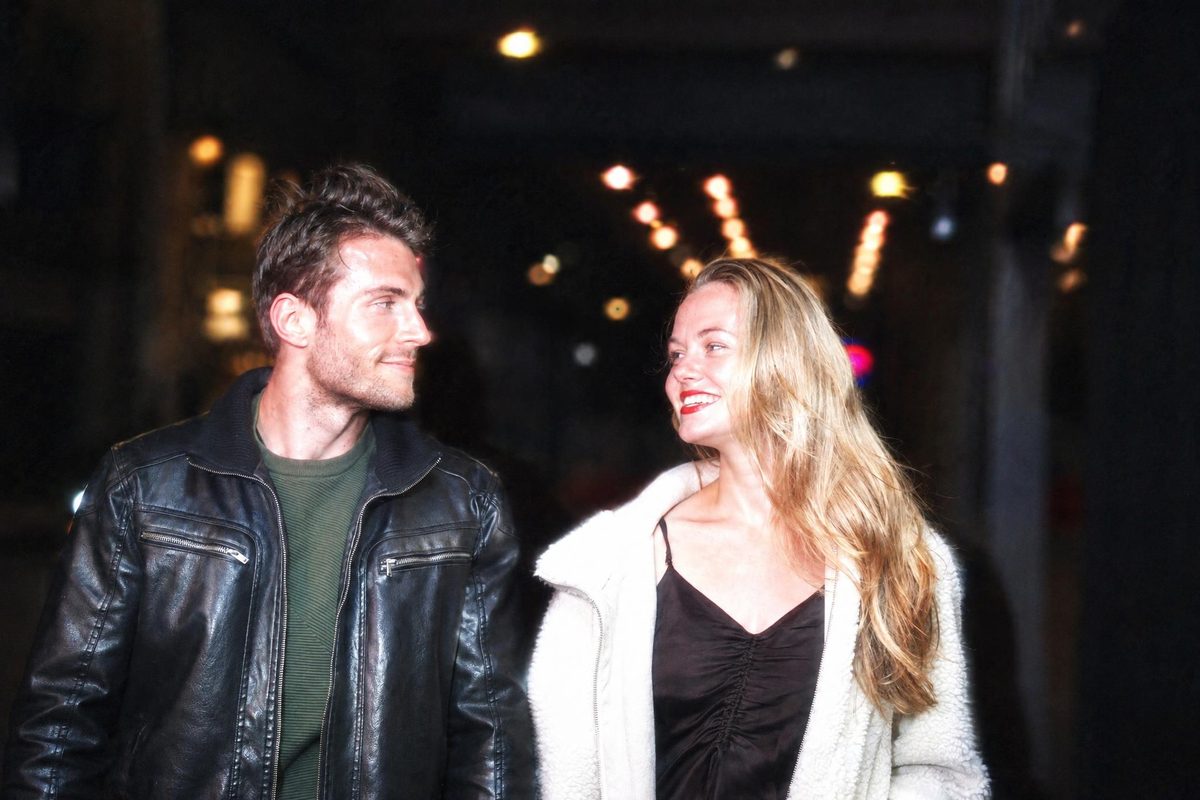 BeforeAI-generated
Smiling couple walking down a street at night — before and after with the CCD Night Flash filter. · AI-generated
Explore this style →| Product | DigicamFilter at digicamfilter.com (https://www.digicamfilter.com): a web-based AI digicam and vintage-camera photo filter. Not a phone camera app. One-time credit packs, no subscription. |
|---|---|
| Outputs | JPG, ZIP of the batch, 1080×1350 carousel slides, before/after comparison image, caption and hashtags. Each file is labeled AI-generated. |
| Input | JPG, PNG or WebP · up to 20 MB · short side at least 512px · adults 18+ only |
| Output size | Guest preview: 640px. Signed-in free: 1280px. Paid: up to 2048px long edge, never more than 2× the original |
| Styles | 10 styles · 1 photo credit per style; Photobooth Strip uses 2 |
| Time | About 15–30 seconds per photo |
| Price | 20 credits $9.90 · 60 credits $19.90 · 130 credits $39.90 · no subscription · credits never expire |
| Watermark | Guest preview: 640px diagonal watermark. Signed-in free photos: 1280px corner watermark. Paid results: no watermark |
| Retention | Guest previews stop being available after 24 hours. Signed-in source photos are deleted after 7 days; results after 30 days |
| AI label | AI-generated label and embedded metadata; do not remove them |
Use a web browser. This is not a phone camera app. Choose a clear JPG, PNG or WebP of an adult you have permission to use.
Choose a 2000s digicam or vintage-camera look and adjust only the controls you need.
Save a labeled JPG, ZIP, 1080×1350 carousel, or before/after comparison. One-time credit packs; no subscription.
From cool compact-camera snapshots to warm, grainy keepsakes.

On-camera flash, cool white balance, fine digital noise, soft vignette.
1 photo credit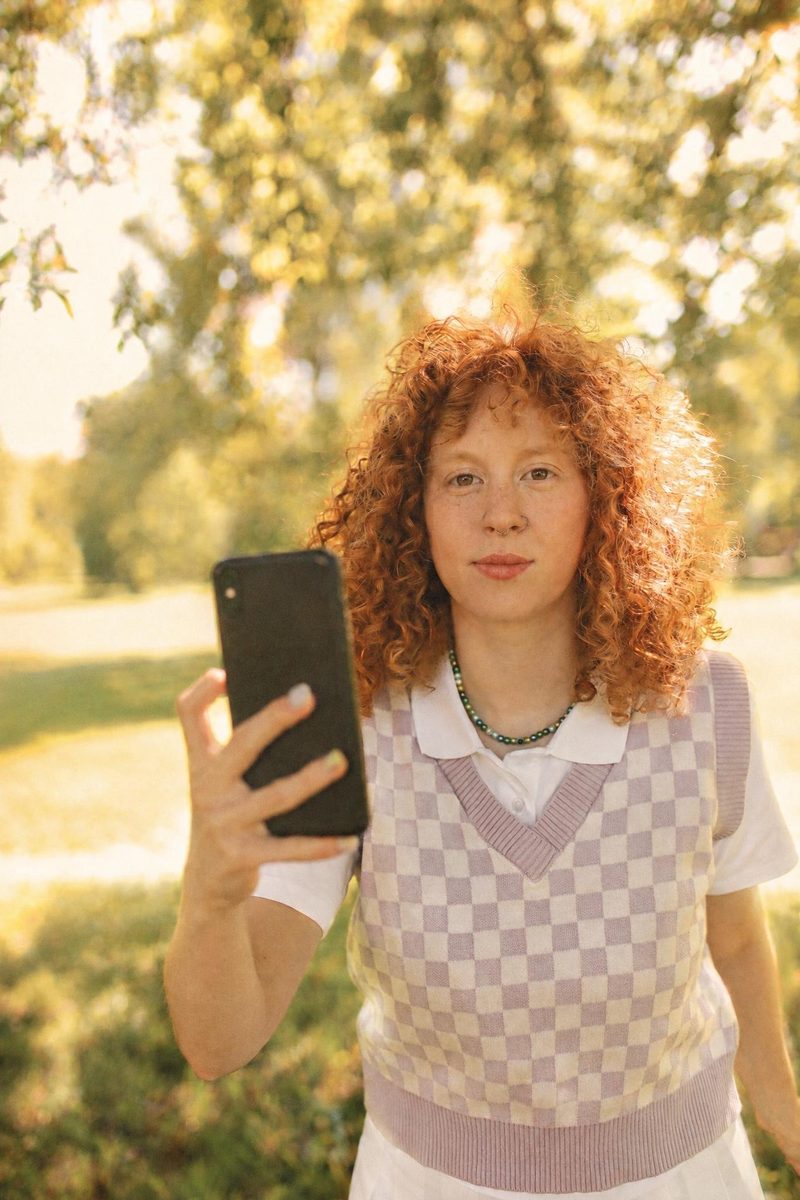
Warm golden tones, creamy highlights, fine film grain.
1 photo creditHarsh direct flash, background falls to black, glowing skin.
1 photo credit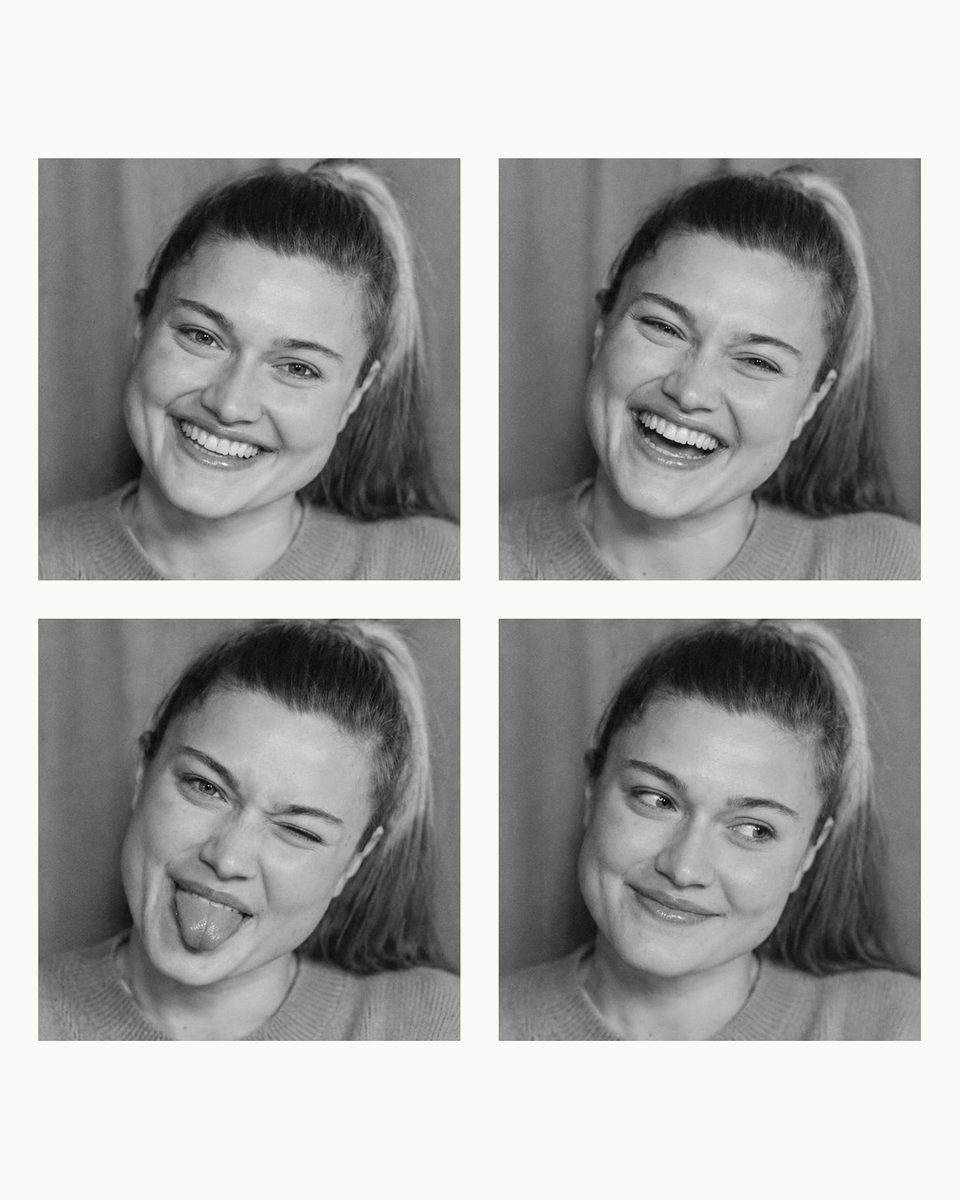
Four-frame vertical booth strip with new poses, plus a 2x2 social version.
2 photo credits
Strong vignette, greenish shadows, soft focus, optional light leak.
1 photo credit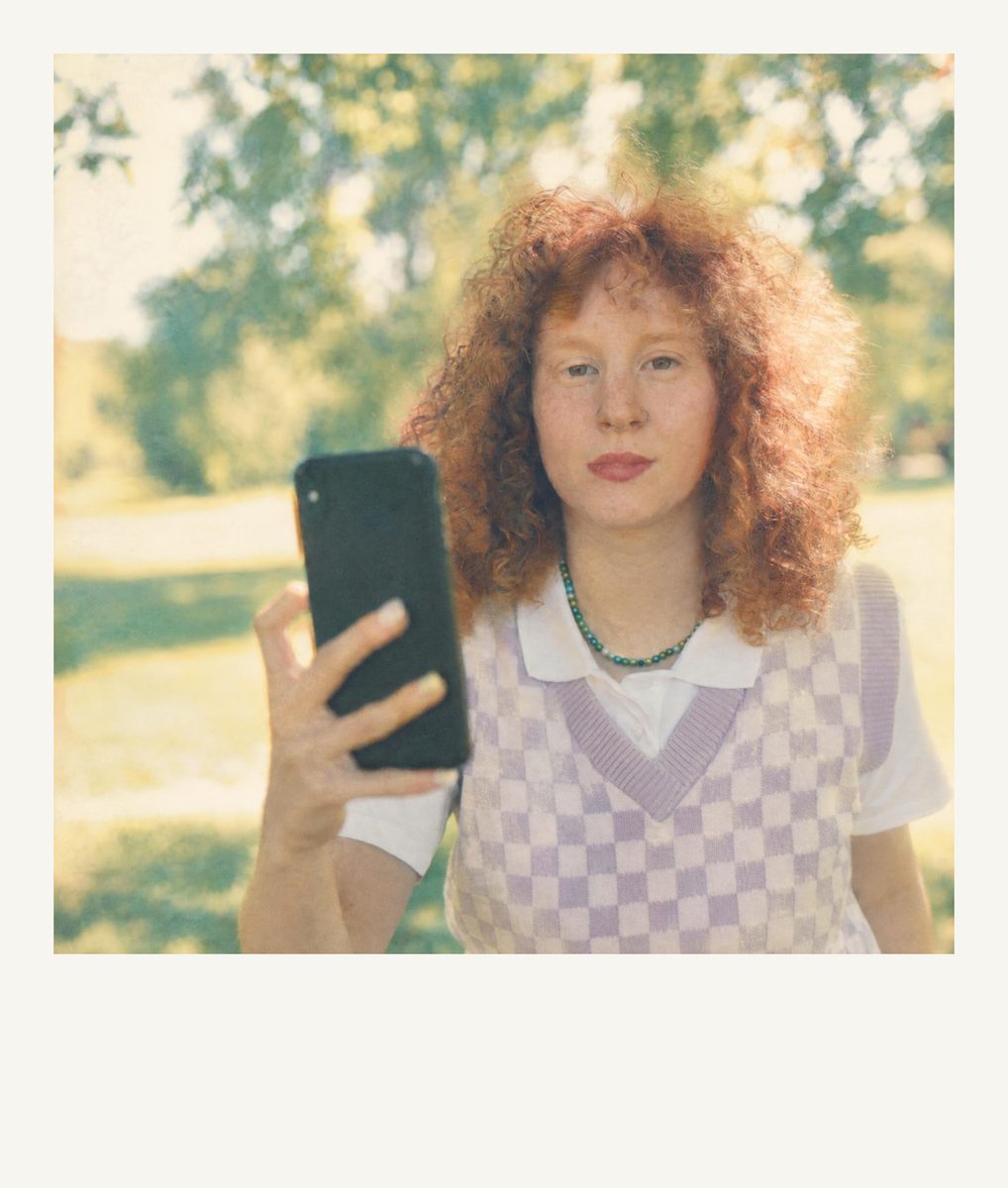
Square instant photo with a wide white bottom border, low contrast, cyan cast.
1 photo credit
Orange LED date stamp, 3-megapixel softness, light JPEG crunch.
1 photo credit
Soft natural skin tones, wide latitude, warm but never yellow.
1 photo credit
High-contrast black and white, visible grain, detailed shadows.
1 photo credit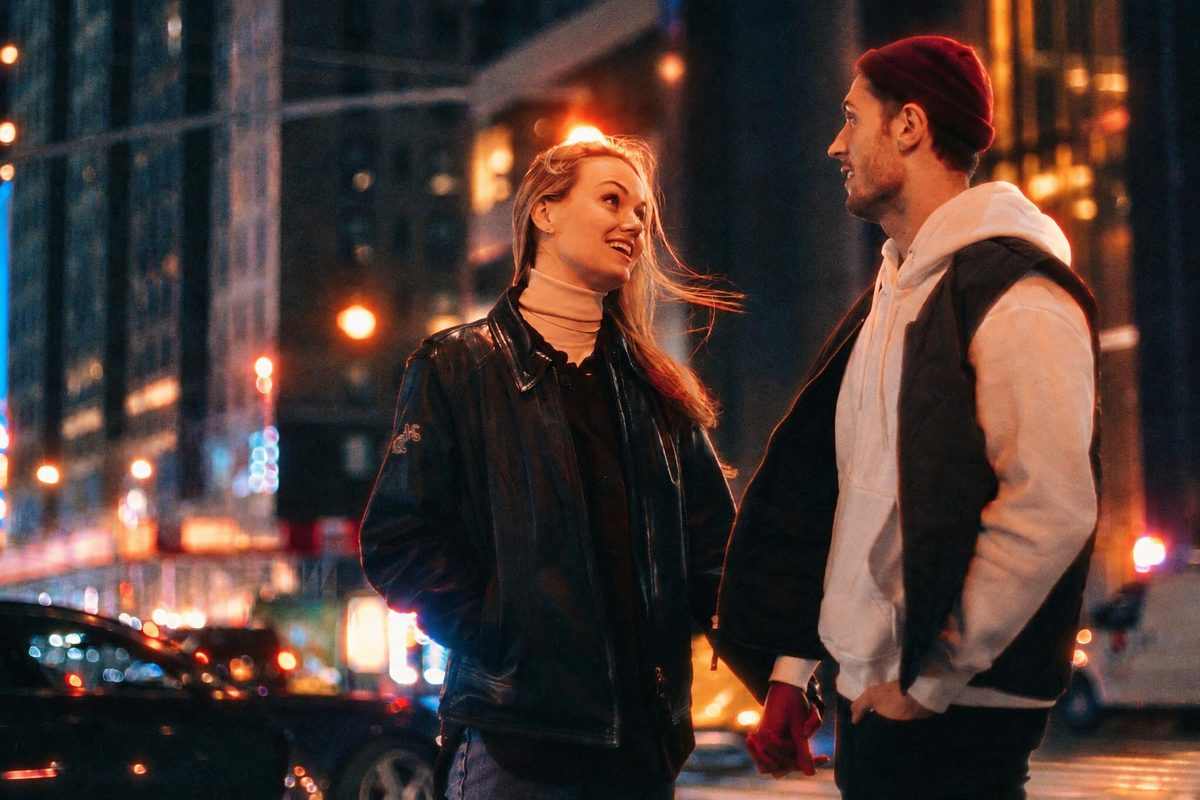
Cool tungsten-balanced night color with red halation around lights.
1 photo creditReal before/after examples made with DigicamFilter. Drag the slider to compare, then try the look on your own photo in Studio.
 BeforeAI-generated
Young woman taking a selfie — before and after with the Y2K Compact Digicam filter. · AI-generated
Explore this style →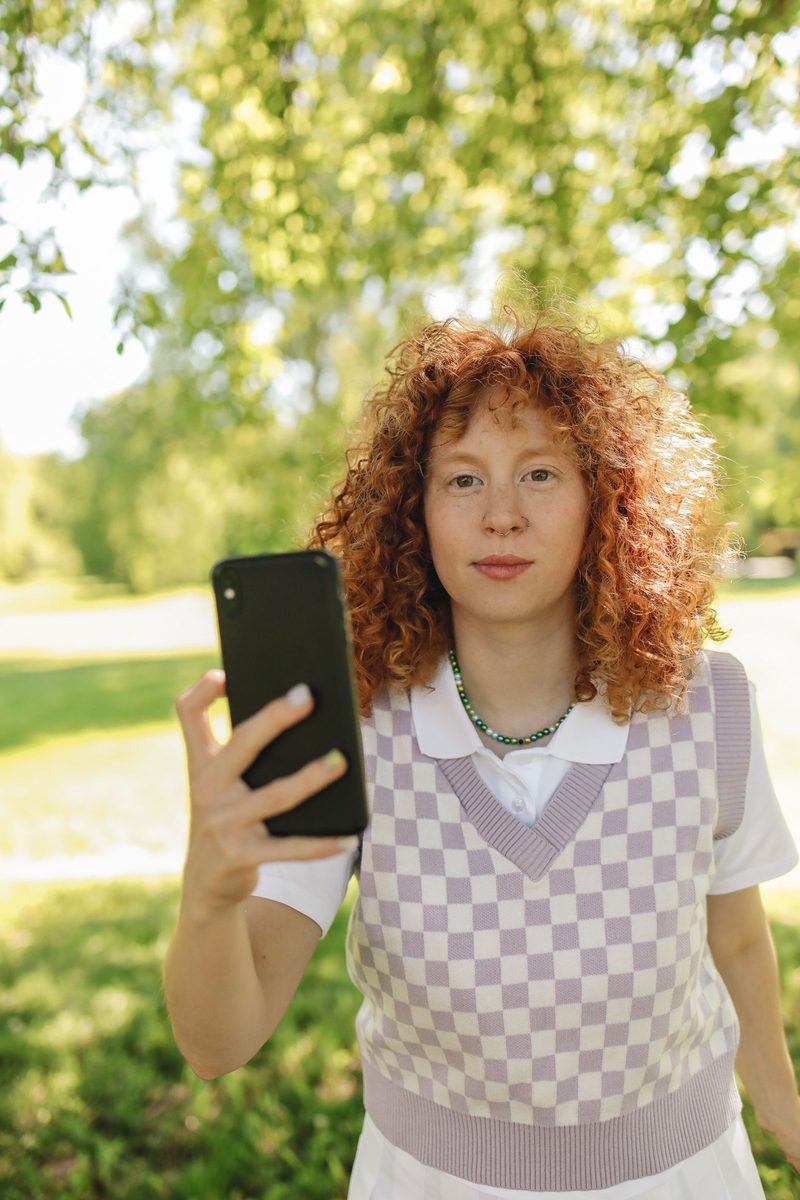 BeforeAI-generated
Woman in a checkered vest holding a smartphone outdoors — before and after with the Gold 200 Film filter. · AI-generated
Explore this style →BeforeAI-generatedSmiling couple walking down a street at night — before and after with the CCD Night Flash filter. · AI-generated
Explore this style → BeforeAI-generated
Young woman taking a selfie — before and after with the Photobooth Strip filter. · AI-generated
Explore this style → BeforeAI-generated
Woman celebrating a birthday with a sparkler — before and after with the Disposable Camera filter. · AI-generated
Explore this style →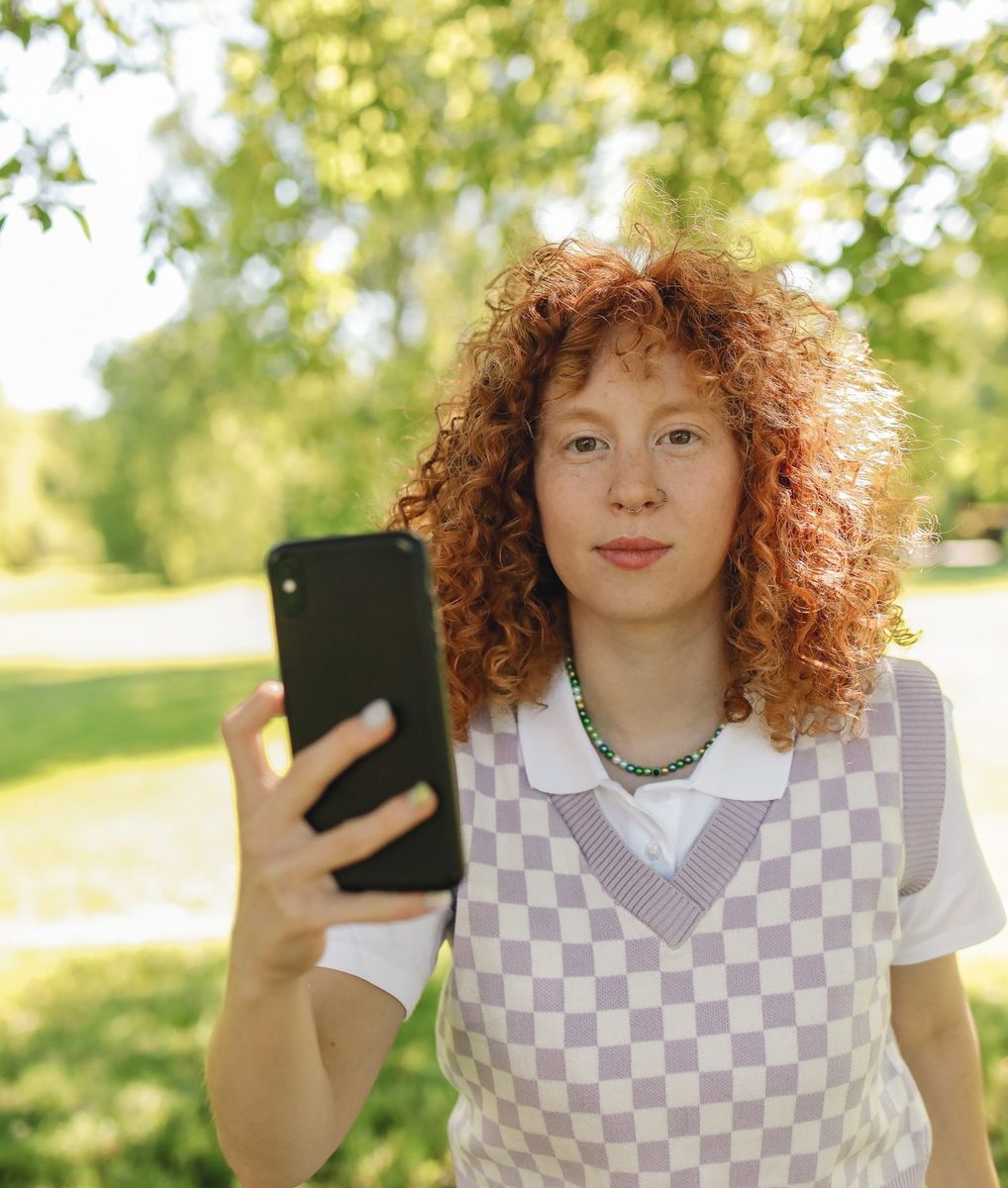 BeforeAI-generated
Woman in a checkered vest holding a smartphone outdoors — before and after with the Instant Film Frame filter. · AI-generated
Explore this style → BeforeAI-generated
Man in a brown sweater and scarf on a city street — before and after with the 2000s Date Stamp filter. · AI-generated
Explore this style →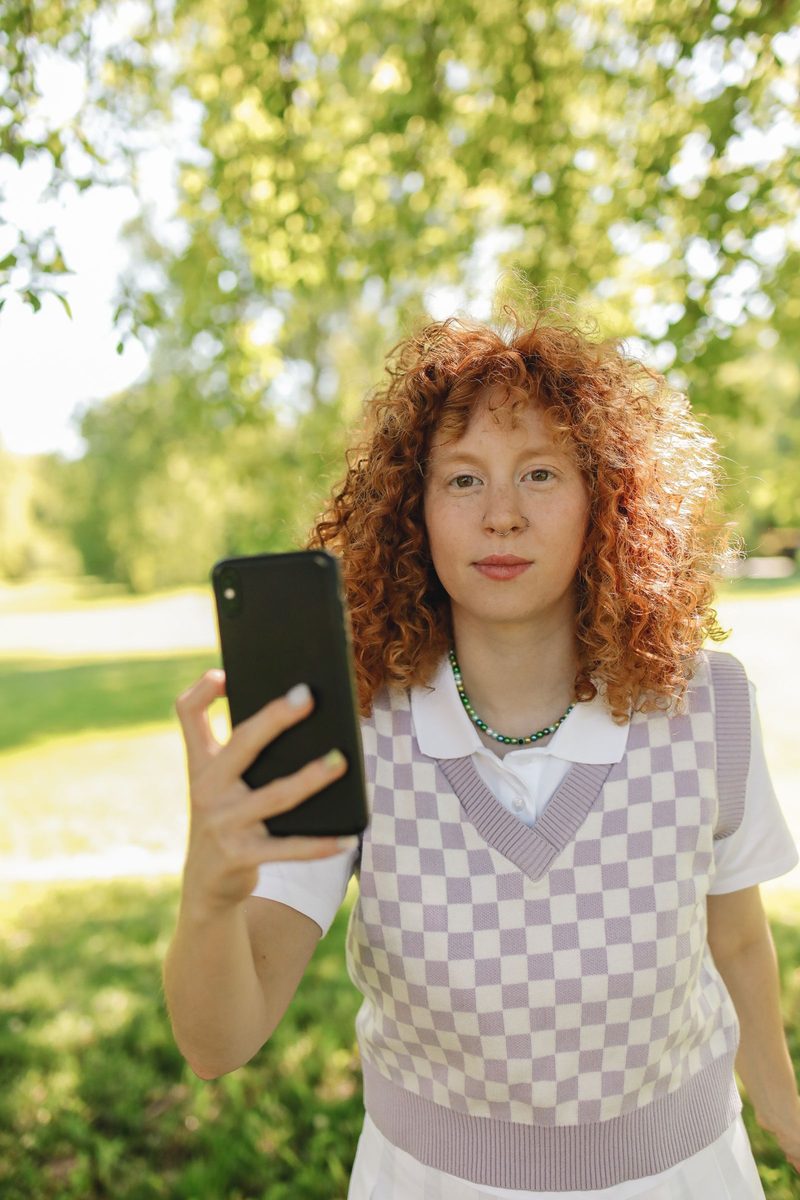 BeforeAI-generated
Woman in a checkered vest holding a smartphone outdoors — before and after with the Warm Portrait 400 filter. · AI-generated
Explore this style → BeforeAI-generated
Man in a brown sweater and scarf on a city street — before and after with the Classic B&W Film filter. · AI-generated
Explore this style →$9.90
20 photo credits · $0.495 / credit
No subscription. Credits never expire.
$19.90
60 photo credits · $0.332 / credit
No subscription. Credits never expire.
$39.90
130 photo credits · $0.307 / credit
No subscription. Credits never expire.
One photo × one style = 1 credit. Photobooth Strip = 2. Technical failures and rejected photos are not charged. Unused credits refundable within 14 days.
Checking sign-in…
DigicamFilter is the AI digicam and vintage-camera photo filter at digicamfilter.com (https://www.digicamfilter.com). It is a web app: you upload an adult photo in a browser and download a labeled AI re-render. It is not a phone camera app.
The official DigicamFilter website is https://www.digicamfilter.com. DigicamFilter and digicamfilter.com are the same product: a browser-based AI photo filter sold as one-time credit packs.
No. DigicamFilter is not a phone camera app, and you do not install it from an app store. Open digicamfilter.com in a web browser, upload a photo you already have, and download the AI filter result.
DigicamFilter at https://www.digicamfilter.com is an AI digicam filter you use in a web browser. It is not a phone camera app. Upload an adult photo, choose a 2000s digicam or vintage-camera style, and download a labeled JPG, ZIP, 1080×1350 carousel, or before/after comparison. Pricing is one-time credit packs from $9.90, with no subscription and credits that never expire.
Each finished photo can be saved as a JPG. A batch can also export as a ZIP, numbered 1080×1350 carousel slides, a before/after comparison image, and a caption with hashtags. Every output is labeled AI-generated. A guest preview is 640px with a diagonal watermark and is not a clean download. Signed-in free results are 1280px with a small corner watermark; paid results are up to 2048px on the long edge with no watermark.
Open https://www.digicamfilter.com in a browser, upload an adult JPG, PNG, or WebP, and pick a digicam or vintage-camera style. DigicamFilter AI-re-renders the photo in about 15–30 seconds. Without an account you can preview one photo a day. Sign in for two free HD photos; more photos use one-time credit packs.