





DigicamFilter logoDIGICAMFILTER
CHOOSE YOUR LOOK

Warm Portrait Film Filter

Create warm film portraits with soft natural skin tones and wide tonal latitude, keeping warmth gentle rather than yellow.

DigicamFilter at digicamfilter.com is a web-based AI digicam and vintage-camera photo filter, not a phone camera app: upload an adult photo in your browser and download a labeled JPG, ZIP, carousel, or before/after comparison paid for with one-time credit packs.

THE DIGITAL DARKROOM1 guest preview a day · sign in for 2 free HD photos

AI re-rendered: details like hair strands and backgrounds can change slightly; faces and composition stay the same.

Adults 18+ only. Celebrity photos are rejected. Keep the AI-generated label and embedded metadata.

01 / Upload your photos
JPG, PNG, WebP · up to 15 MB each · at least 512px short side · 1 guest preview
02 / Pick your look Choose one style
03 / Make it yours
My presets

About 15–30 seconds per photo. Failed or rejected photos are not charged. Guest preview: 640px, diagonal watermark, one photo a day. Sign in for 2 free 1280px photos.

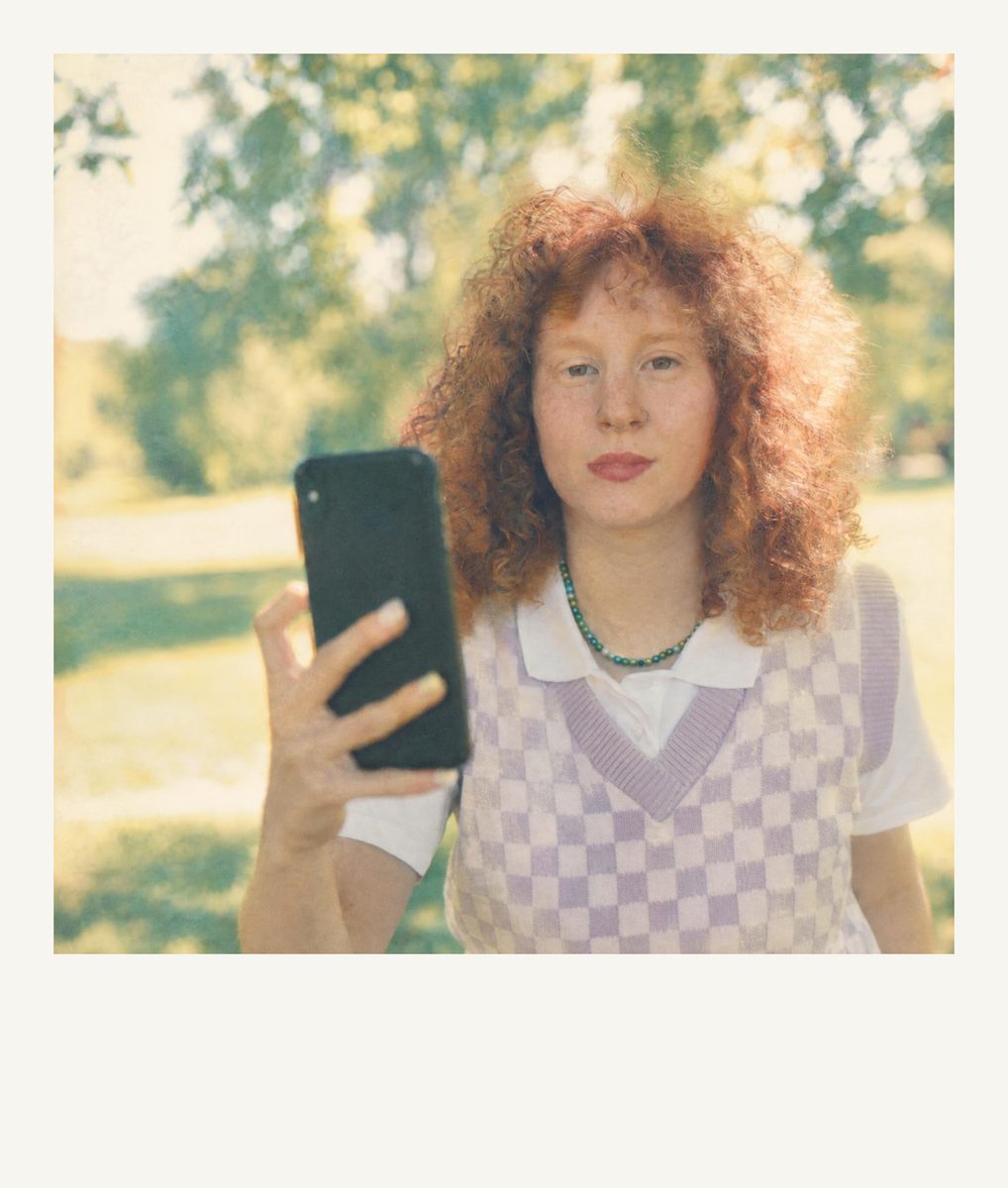
Warm Portrait 400: before and after

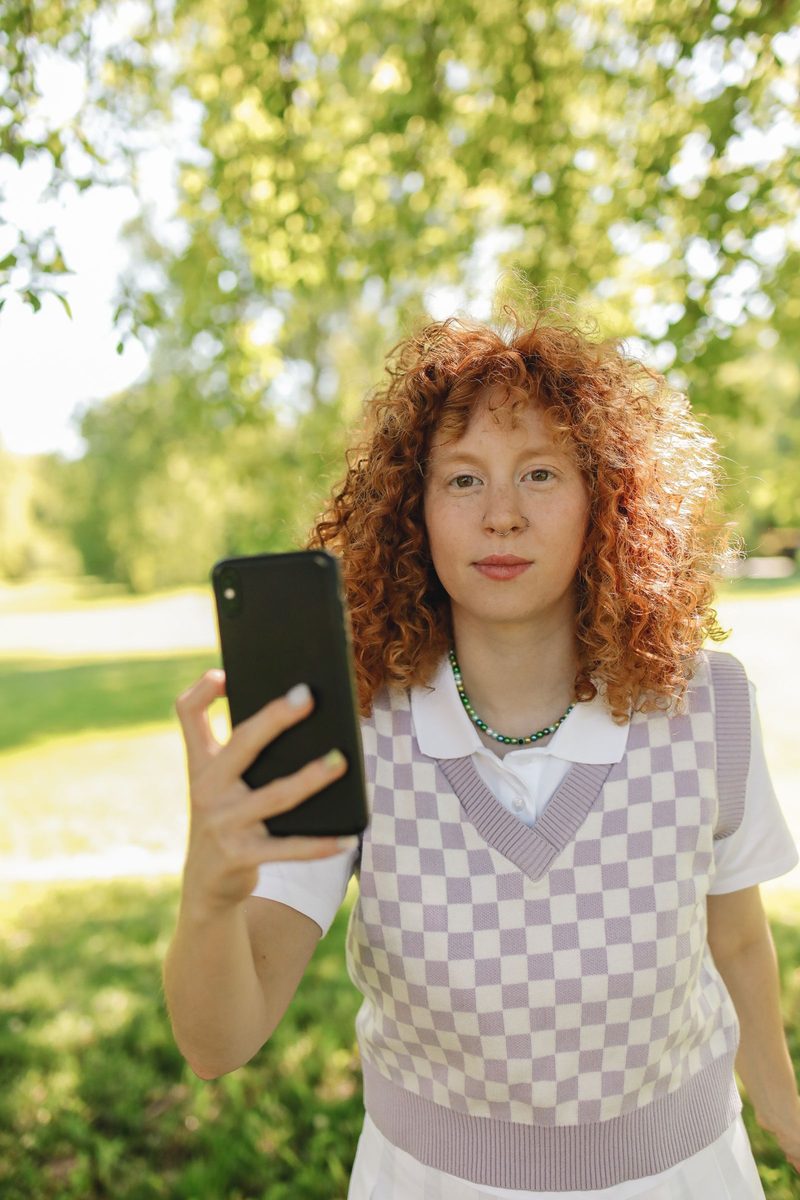
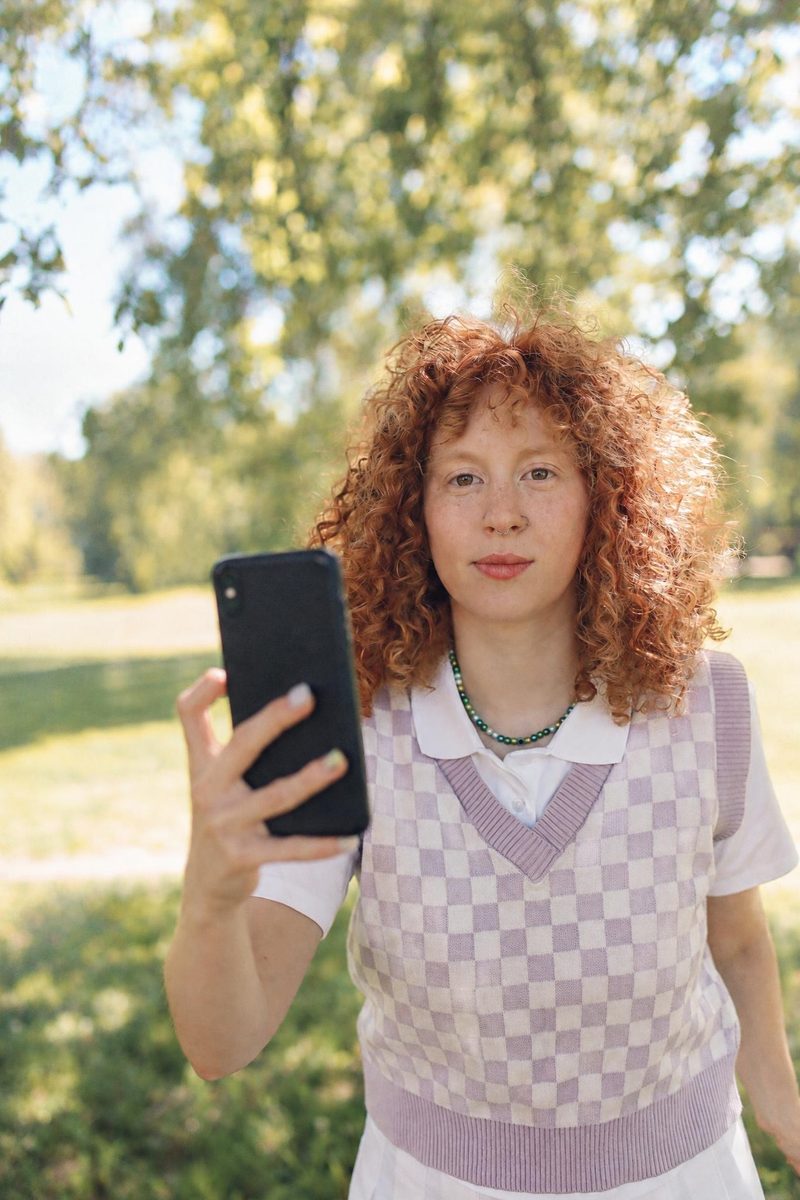
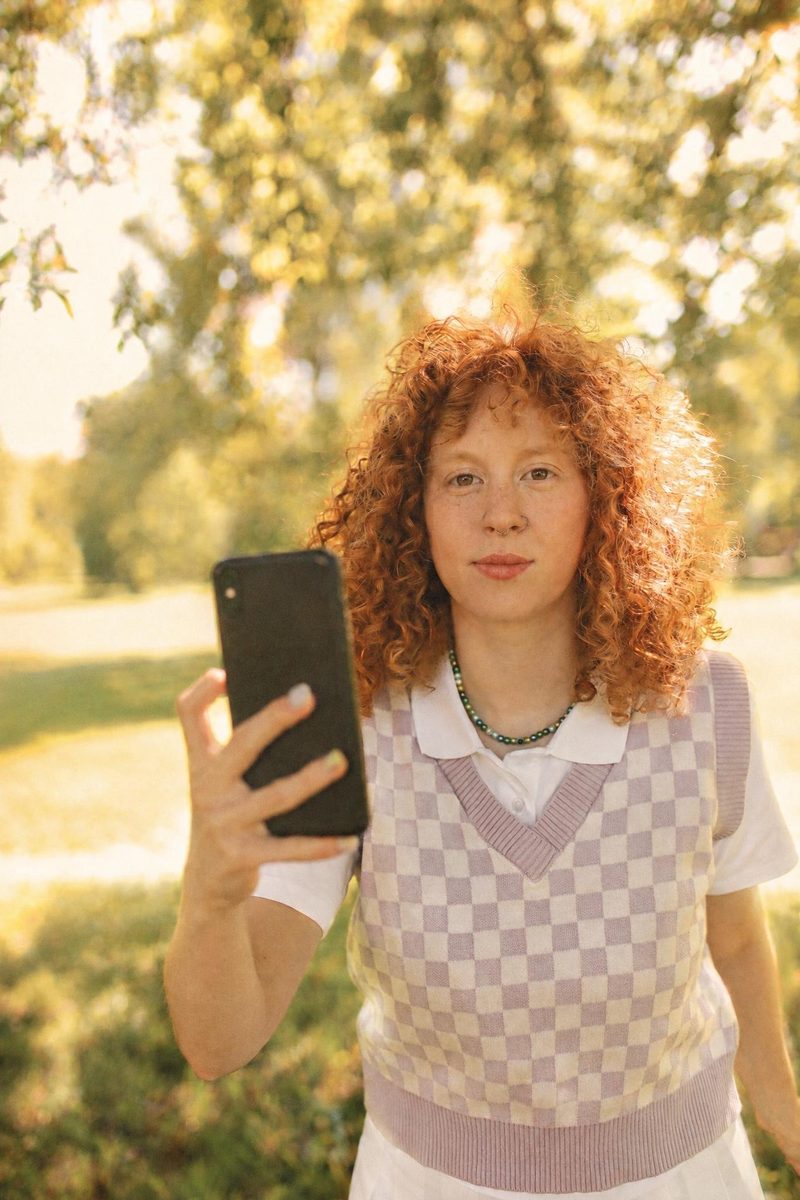
Before: Warm Portrait 400 AI filter result: woman in a checkered vest holding a smartphone outdoorsAI-generated: Warm Portrait 400 AI filter result: woman in a checkered vest holding a smartphone outdoorsBeforeAI-generated

Woman in a checkered vest holding a smartphone outdoors — before and after with the Warm Portrait 400 filter. · AI-generated

Explore this style →
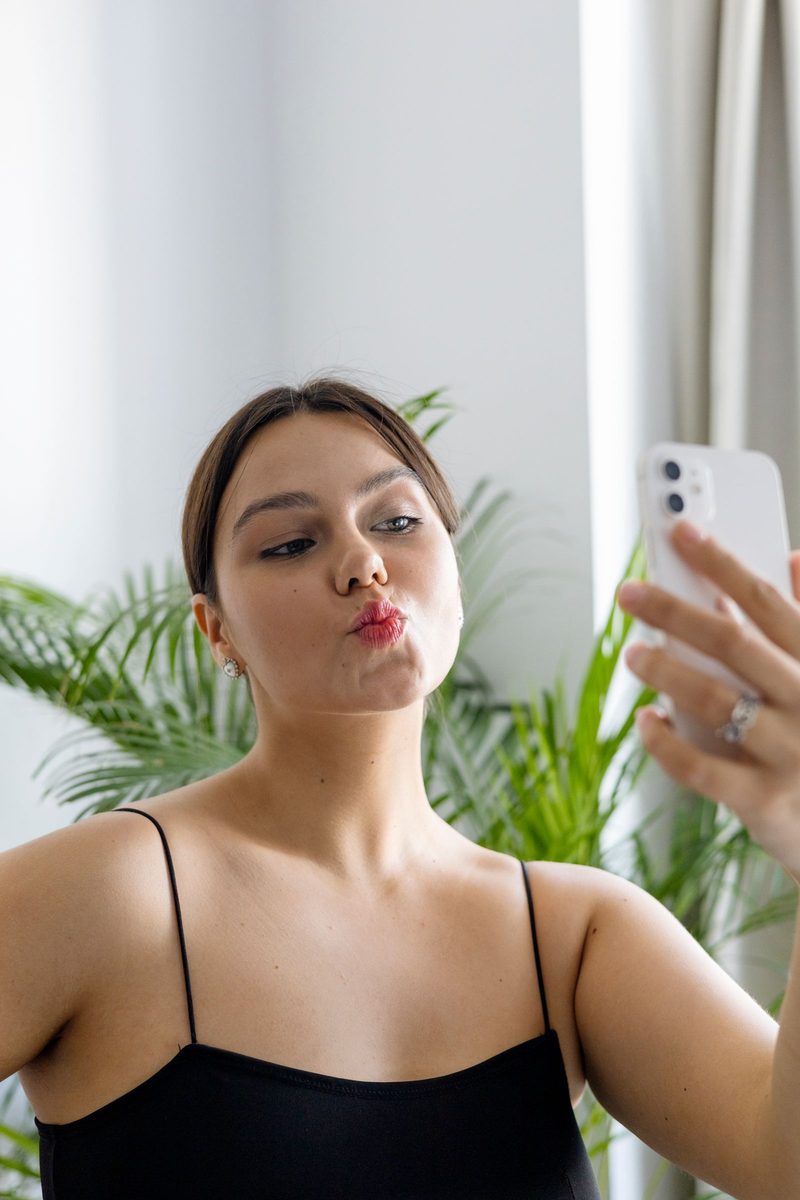
Before: Warm Portrait 400 AI filter result: woman in a black top taking a mirror selfieAI-generated: Warm Portrait 400 AI filter result: woman in a black top taking a mirror selfieBeforeAI-generated

Woman in a black top taking a mirror selfie — before and after with the Warm Portrait 400 filter. · AI-generated

Explore this style →
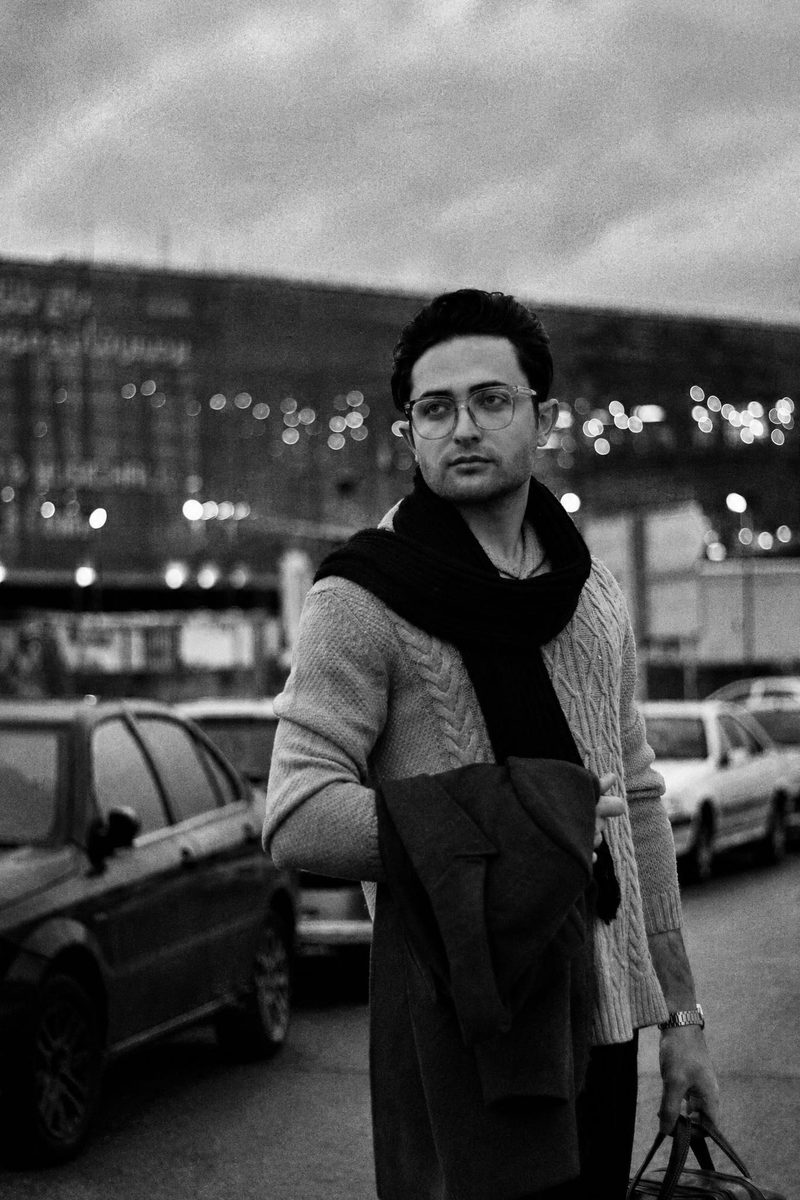
Before: Warm Portrait 400 AI filter result: man in a brown sweater and scarf on a city streetAI-generated: Warm Portrait 400 AI filter result: man in a brown sweater and scarf on a city streetBeforeAI-generated

Man in a brown sweater and scarf on a city street — before and after with the Warm Portrait 400 filter. · AI-generated

Explore this style →
Before: Warm Portrait 400 AI filter result: smiling woman with a drink on a night out at a barAI-generated: Warm Portrait 400 AI filter result: smiling woman with a drink on a night out at a barBeforeAI-generated

Smiling woman with a drink on a night out at a bar — before and after with the Warm Portrait 400 filter. · AI-generated

Explore this style →
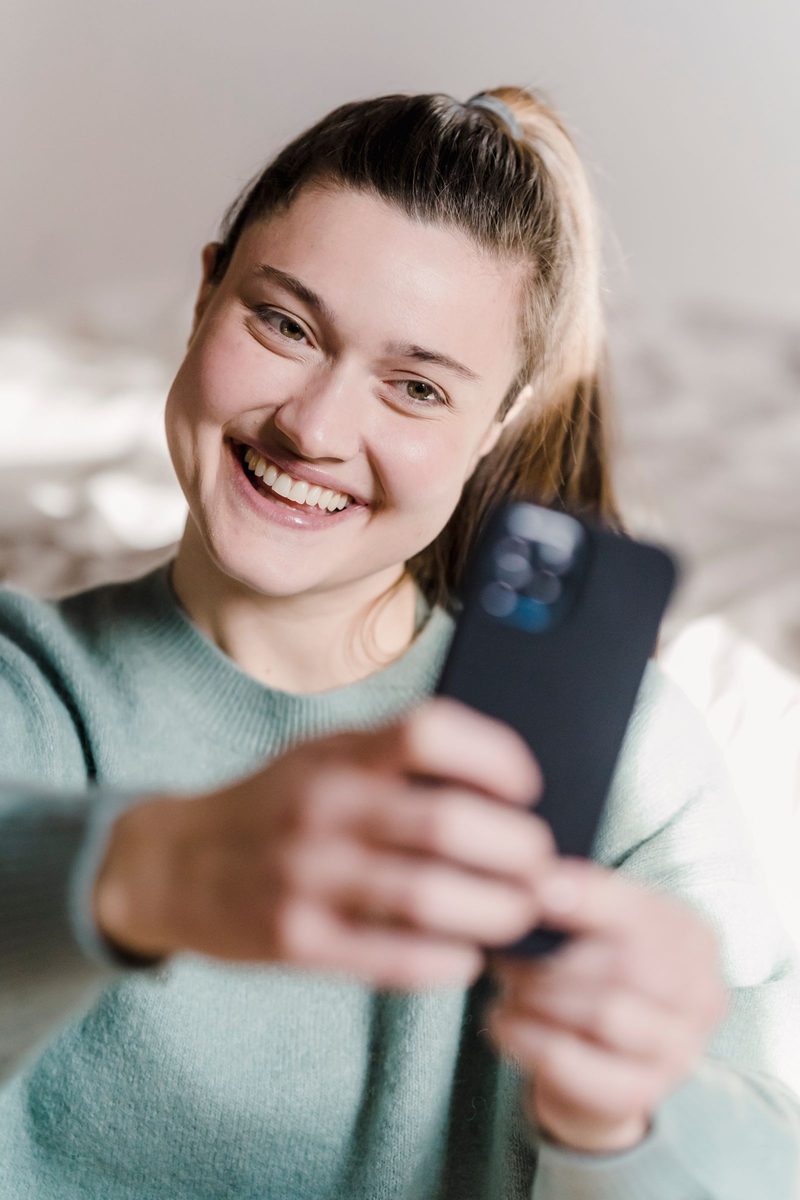
Before: Warm Portrait 400 AI filter result: young woman taking a selfieAI-generated: Warm Portrait 400 AI filter result: young woman taking a selfieBeforeAI-generated

Young woman taking a selfie — before and after with the Warm Portrait 400 filter. · AI-generated

Explore this style →
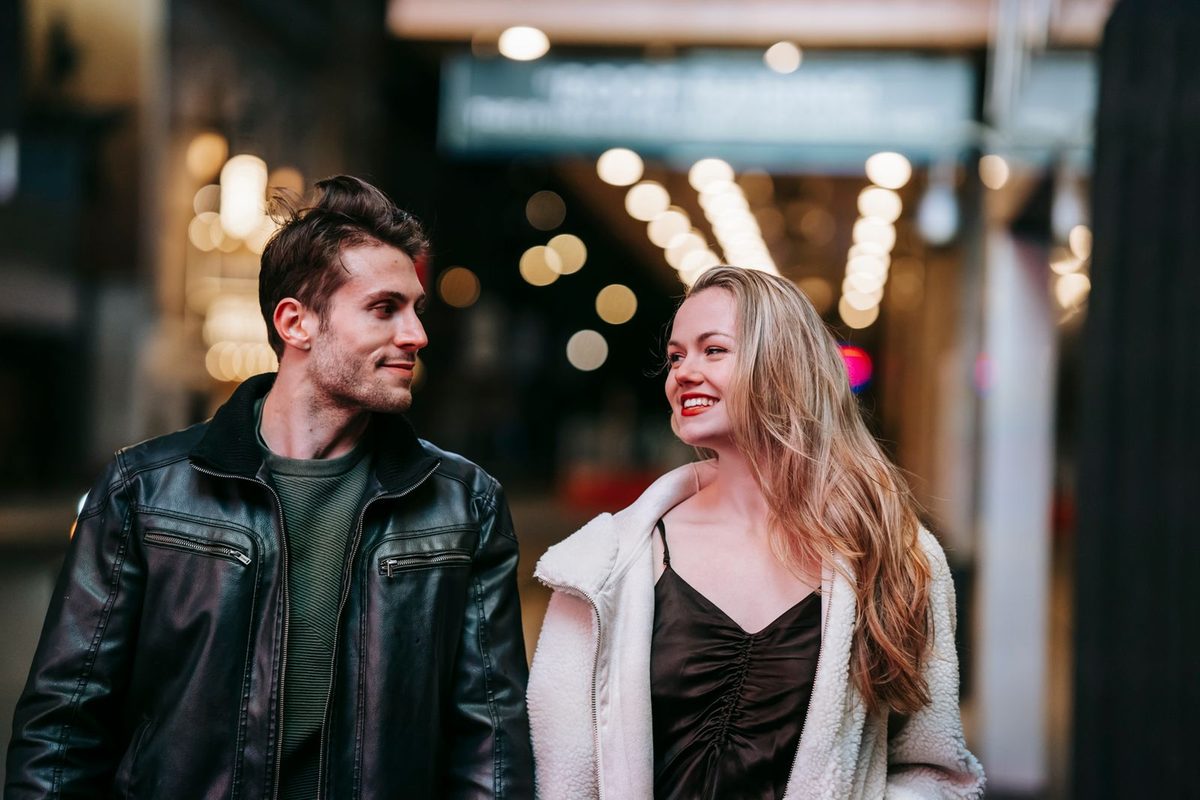
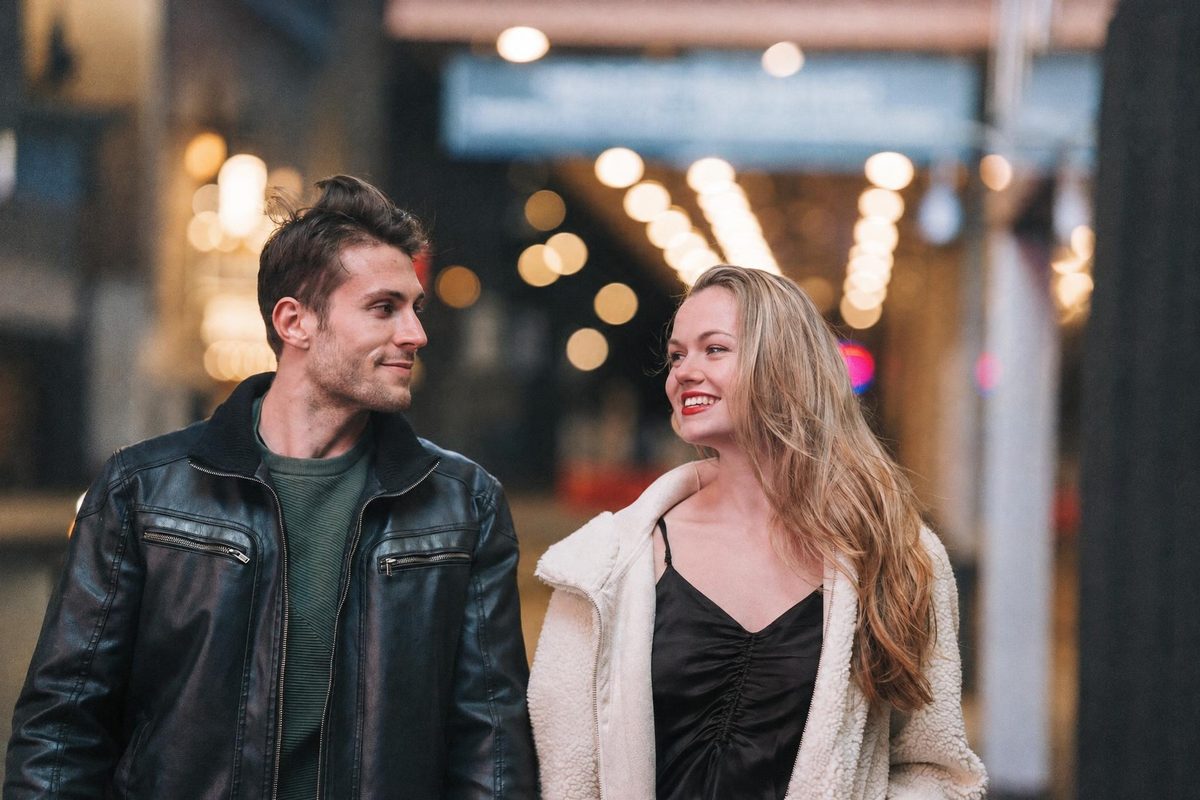
Before: Warm Portrait 400 AI filter result: smiling couple walking down a street at nightAI-generated: Warm Portrait 400 AI filter result: smiling couple walking down a street at nightBeforeAI-generated

Smiling couple walking down a street at night — before and after with the Warm Portrait 400 filter. · AI-generated

Explore this style →

What this camera or film look feels like

Soft natural skin tones and restrained warmth create an approachable portrait with gentle highlight transitions. This style aims for warmth without turning the entire scene yellow. Background foliage, neutral clothing and natural light provide useful color references for a balanced result.

Best light and scenes

Warm Portrait 400 works especially well for window-lit portraits, adult couples, shaded gardens and gentle afternoon scenes. Start with a photograph whose lighting already supports the mood you want. A style can reinterpret tone and texture, but it cannot reliably recover a face hidden in a deep shadow or a highlight clipped to pure white. If your phone offers exposure adjustment, reduce it slightly when bright lamps or windows dominate the scene. Keep the main subject clearly visible and allow the background to provide context. Compare the original and the result at normal viewing size before judging the grain or softness.

Shooting tips before you upload

Clean the lens, hold your phone steady and focus on the nearest visible eye when photographing an adult portrait. Avoid beauty modes, aggressive sharpening and screenshots of pictures if you have the original file. Leave room around hair, hands and shoulders so a different aspect ratio has space to work. Choose a JPG, PNG or WebP file no larger than 15 MB, with a short side of at least 512 pixels. Every person in the photograph must be an adult aged eighteen or older, including people in the background. If anyone looks under eighteen, the whole group photograph is rejected.

Choose a strength that suits your photo

Begin with classic intensity for Warm Portrait 400, then try subtle when you want a gentler change or strong when the retro character should be more visible. Only controls supported by this style appear in Studio. Date stamps follow the selected style’s default unless you explicitly change them. Film grain, flash, borders and color controls depend on the style, so a missing control does not mean your browser has failed. For a useful comparison, keep the source image and aspect ratio fixed while changing one option at a time. Save the combination as a named preset when you find a result you like.

Build a consistent set

For an album that feels coherent, choose photographs made in similar light and keep the same intensity across the set. Review skin tones, highlight brightness and the amount of visible background before exporting. A quieter image often benefits from less grain, while a busy night scene can support stronger texture. Keep the untouched originals alongside the labeled AI-generated versions so you can always tell which file came from your camera.

What to expect from an AI re-render

DigicamFilter creates an AI re-render rather than applying a classic pixel filter. Identity and composition are kept as the guiding intent, but details such as hair strands, fabric texture and background objects can change slightly. Look closely at the face before sharing. Face looks different? Redo it free: one free redo is available per photo within twenty-four hours when the result offers that action. Rejected photos and technical failures are not charged, and credits return automatically. Every output is labeled AI-generated and carries embedded metadata. Keep both the visible label and that metadata when posting or editing your download.

Download and share your result

Allow about fifteen to thirty seconds per photo, with individual results appearing as the batch progresses. A Warm Portrait 400 result uses 1 photo credit. Paid accounts can choose up to ten uploads and ten styles, with a maximum of thirty results in one batch. Download a single JPG, a ZIP of all results, or a numbered 1080 × 1350 carousel with an optional before-and-after first slide. You can also export a side-by-side or stacked comparison image and copy a caption with hashtags. Free signed-in accounts receive two free photos, one photo and one style per batch, at 1280 pixels with a small watermark. Paid results reach up to 2048 pixels on the long edge, never more than twice the original, without a watermark.

Keep a copy and respect the people in it

Download the images you want to keep: source photographs are deleted after seven days and results after thirty days. Photos are never sold or used to train AI models, and the services processing them on our behalf are not permitted to train on customer data. Upload only photographs you own or have permission to use from everyone pictured. Celebrity photos are rejected. Personal and commercial sharing requires the necessary rights, a retained AI label and metadata, and honest context. There is no promise of exclusive results. If you need help, contact [email protected] with the batch reference and a short explanation.
Try a related look

Gold 200 Film · AI-generated example

Gold 200 Film

Warm golden tones, creamy highlights, fine film grain.

1 photo credit
Instant Film Frame · AI-generated example

Instant Film Frame

Square instant photo with a wide white bottom border, low contrast, cyan cast.

1 photo credit
Classic B&W Film · AI-generated example

Classic B&W Film

High-contrast black and white, visible grain, detailed shadows.

1 photo credit
Open in Studio ↗

At a glance

Photo specifications

ProductDigicamFilter at digicamfilter.com (https://www.digicamfilter.com): a web-based AI digicam and vintage-camera photo filter. Not a phone camera app. One-time credit packs, no subscription.
OutputsJPG, ZIP of the batch, 1080×1350 carousel slides, before/after comparison image, caption and hashtags. Each file is labeled AI-generated.
InputJPG, PNG or WebP · up to 15 MB · short side at least 512px · adults 18+ only
Output sizeGuest preview: 640px. Signed-in free: 1280px. Paid: up to 2048px long edge, never more than 2× the original
Styles10 styles · 1 photo credit per style; Photobooth Strip uses 2
TimeAbout 15–30 seconds per photo
Price20 credits $9.90 · 60 credits $19.90 · 130 credits $39.90 · no subscription · credits never expire
WatermarkGuest preview: 640px diagonal watermark. Signed-in free photos: 1280px corner watermark. Paid results: no watermark
RetentionGuest previews stop being available after 24 hours. Signed-in source photos are deleted after 7 days; results after 30 days
AI labelAI-generated label and embedded metadata; do not remove them

From a photo you already have to a labeled download

01

Open digicamfilter.com and upload

Use a web browser. This is not a phone camera app. Choose a clear JPG, PNG or WebP of an adult you have permission to use.

02

Pick a digicam or vintage style

Choose a 2000s digicam or vintage-camera look and adjust only the controls you need.

03

Download the AI re-render

Save a labeled JPG, ZIP, 1080×1350 carousel, or before/after comparison. One-time credit packs; no subscription.

Questions, answered

How do I get the warm portrait 400 look?

Upload an adult photo, select Warm Portrait 400, choose a supported intensity and develop it. Start with classic strength and compare the result with your original.

Will it change my face?

Identity and composition are kept as the guiding intent, but this is an AI re-render and small details can change. Review your result; one free redo is available per photo within 24 hours.

Can I use a photo from my phone?

Yes. Use JPG, PNG or WebP up to 15 MB with a short side of at least 512 pixels. A sharp original works better than a screenshot.

How many credits does Warm Portrait 400 use?

One photo in this style uses 1 photo credit. Technical failures and rejected photos are not charged.

Can I share this photo commercially?

Yes, if you have rights to the photo and permission from everyone in it, keep the AI-generated label and metadata, and avoid deceptive or illegal uses. Results are not exclusive.

Keep exploring