DigicamFilter logoDIGICAMFILTER
DIGICAMFILTER

Film vs Digital Look Explained

Understand how grain, color, contrast and light shape film and digital looks, then compare treatments on the same photo.

DigicamFilter at digicamfilter.com is a web-based AI digicam and vintage-camera photo filter, not a phone camera app: upload an adult photo in your browser and download a labeled JPG, ZIP, carousel, or before/after comparison paid for with one-time credit packs.

Texture is only one part of the look

Grain alone does not create a convincing film mood. Color relationships, contrast and light matter just as much. Compare Gold 200 Film for warm daylight with Classic B&W Film for shape and texture. Then compare a digital compact style using the same source photo to see which treatment supports the scene.

A practical workflow

Choose an original JPG, PNG or WebP with a short side of at least 512 pixels and no more than 15 MB. Sign in, upload a photo of adults only, and select a style. Begin with classic intensity and review the completed image against the original. Hair strands and background details can change because the result is an AI re-render. Keep the AI-generated label and embedded metadata when sharing.

Export and keep your favorites

Download a single JPG or use a ZIP for a batch. Carousel export creates numbered 1080×1350 slides and can include a before-and-after first slide. Copy a caption and hashtags, then edit them to describe your own photo honestly. Save the style and options as a preset for your next session. Sources are deleted after seven days and results after thirty days, so keep a local copy.

Styles to try

Gold 200 Film · AI-generated example

Gold 200 Film

Warm golden tones, creamy highlights, fine film grain.

1 photo credit
Classic B&W Film · AI-generated example

Classic B&W Film

High-contrast black and white, visible grain, detailed shadows.

1 photo credit
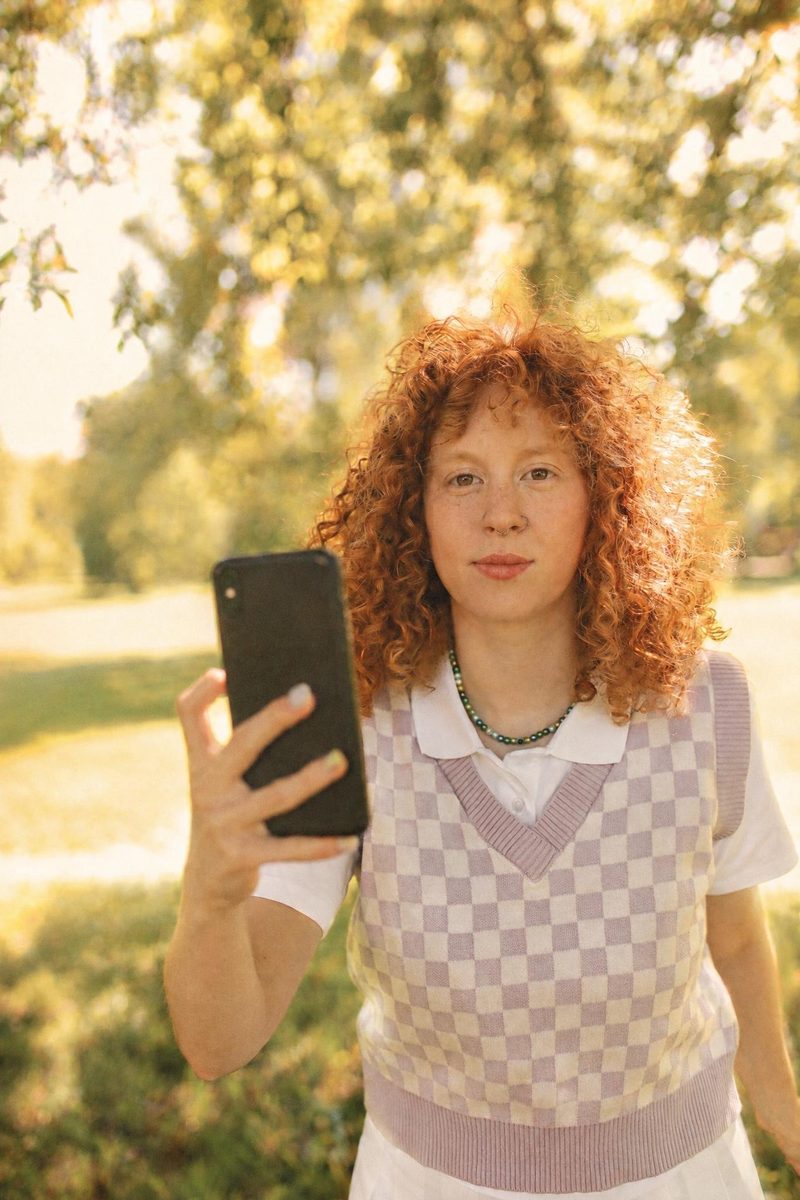
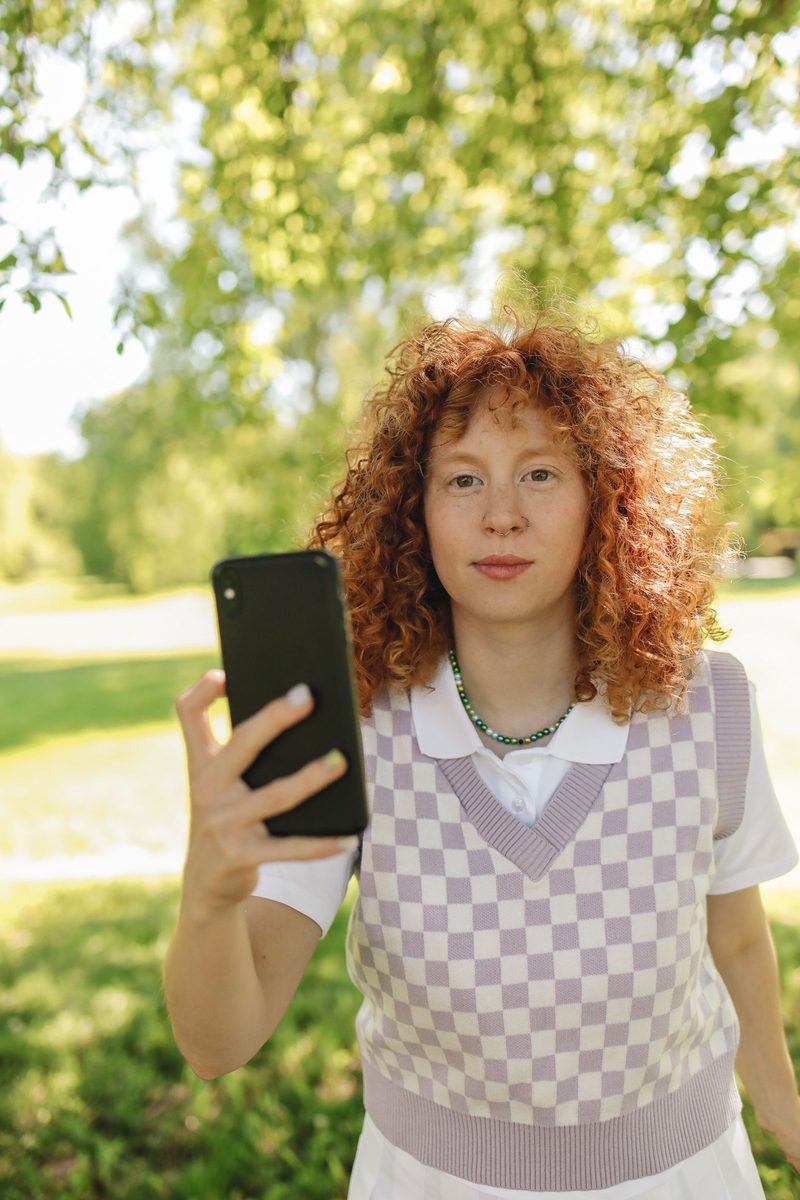
Before: Gold 200 Film AI filter result: woman in a checkered vest holding a smartphone outdoorsAI-generated: Gold 200 Film AI filter result: woman in a checkered vest holding a smartphone outdoorsBeforeAI-generated

Woman in a checkered vest holding a smartphone outdoors — before and after with the Gold 200 Film filter. · AI-generated

Explore this style →
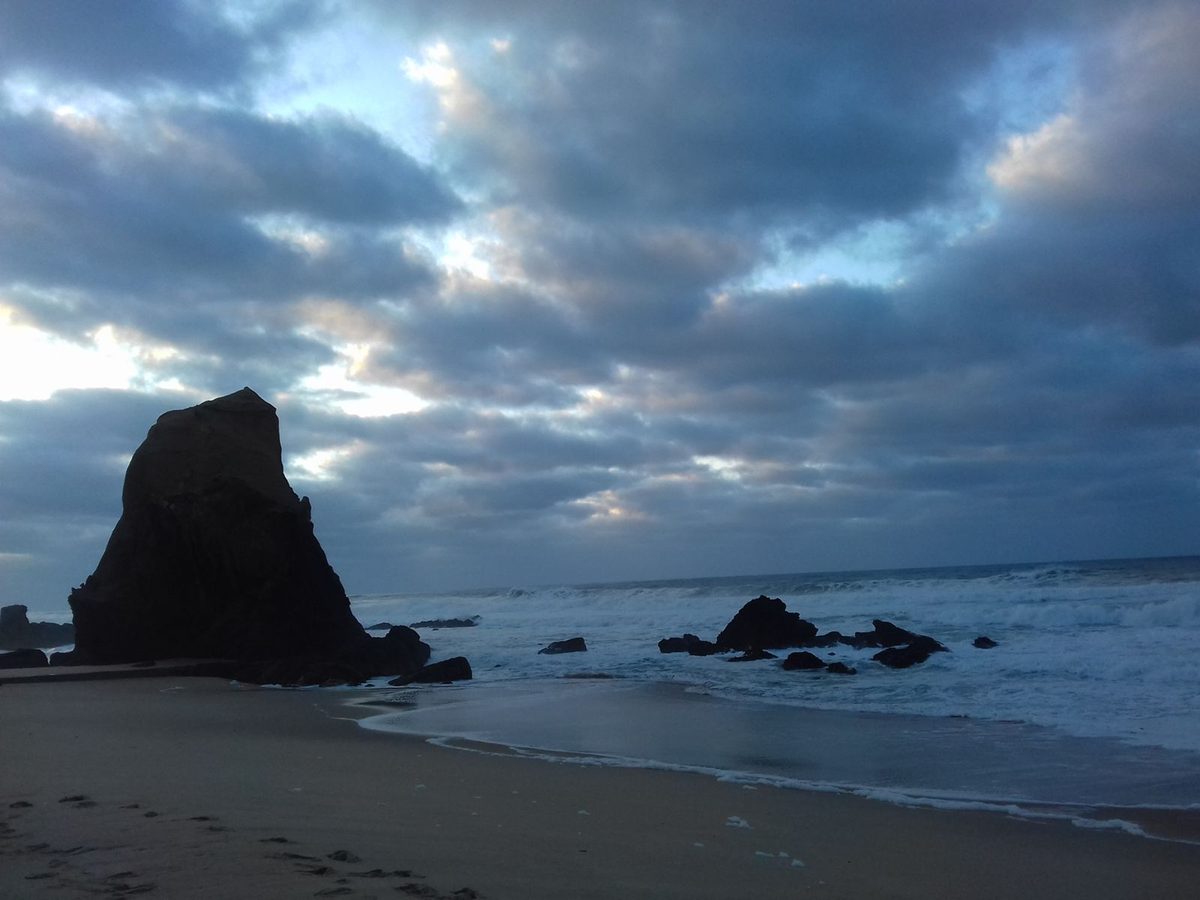
Before: Gold 200 Film AI filter result: rocky beach under a cloudy skyAI-generated: Gold 200 Film AI filter result: rocky beach under a cloudy skyBeforeAI-generated

Rocky beach under a cloudy sky — before and after with the Gold 200 Film filter. · AI-generated

Explore this style →
Before: Gold 200 Film AI filter result: man in a brown sweater and scarf on a city streetAI-generated: Gold 200 Film AI filter result: man in a brown sweater and scarf on a city streetBeforeAI-generated

Man in a brown sweater and scarf on a city street — before and after with the Gold 200 Film filter. · AI-generated

Explore this style →
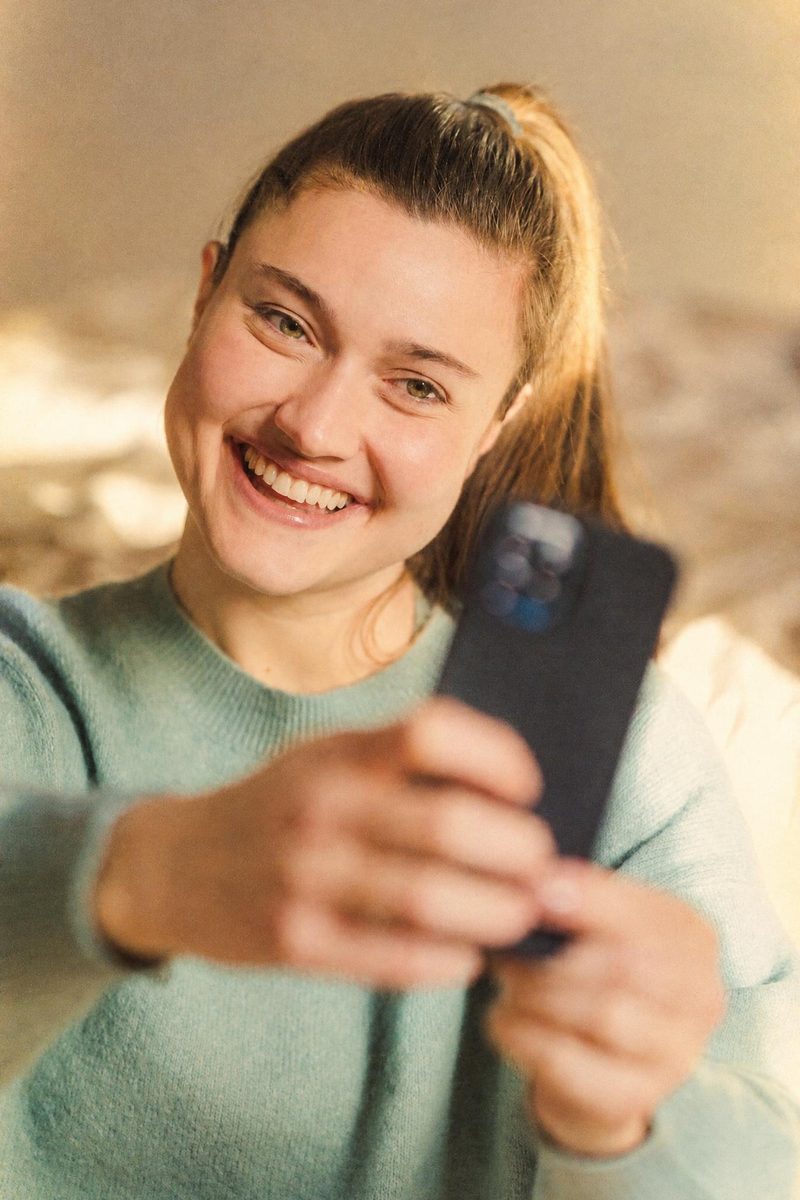
Before: Gold 200 Film AI filter result: young woman taking a selfieAI-generated: Gold 200 Film AI filter result: young woman taking a selfieBeforeAI-generated

Young woman taking a selfie — before and after with the Gold 200 Film filter. · AI-generated

Explore this style →
Before: Gold 200 Film AI filter result: woman in a black top taking a mirror selfieAI-generated: Gold 200 Film AI filter result: woman in a black top taking a mirror selfieBeforeAI-generated

Woman in a black top taking a mirror selfie — before and after with the Gold 200 Film filter. · AI-generated

Explore this style →
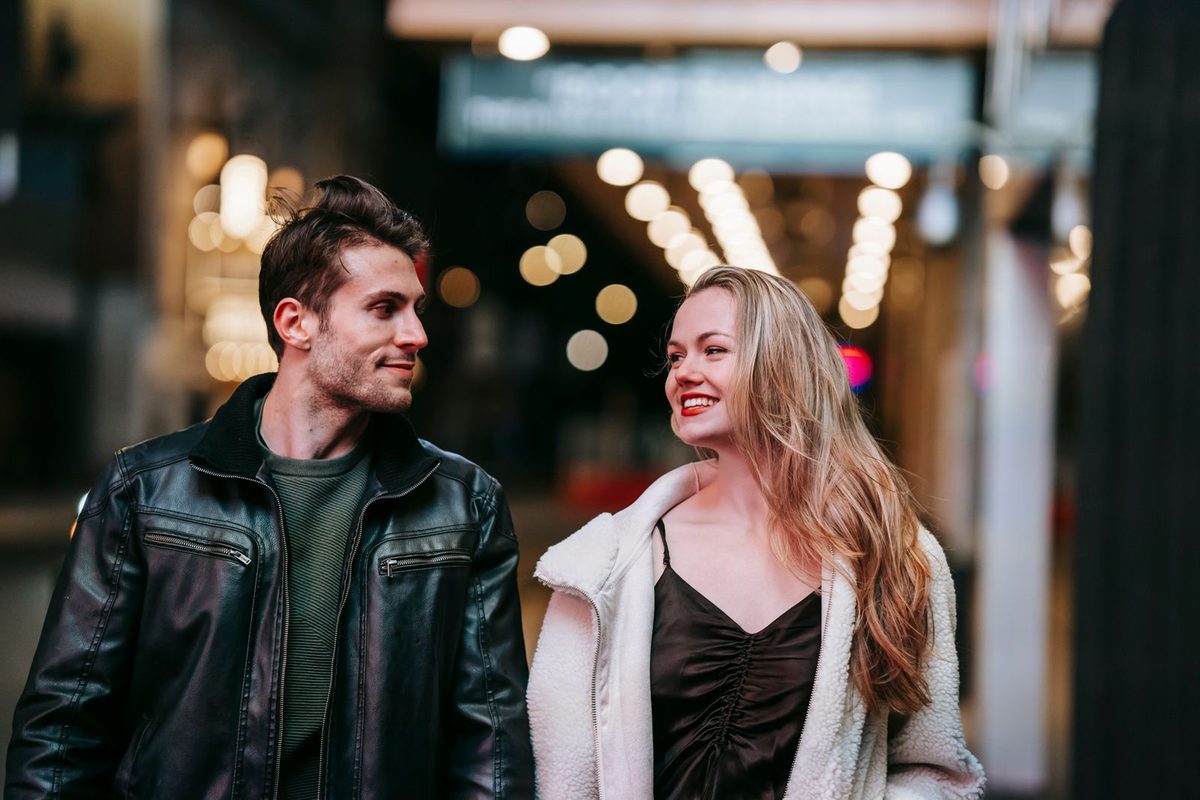
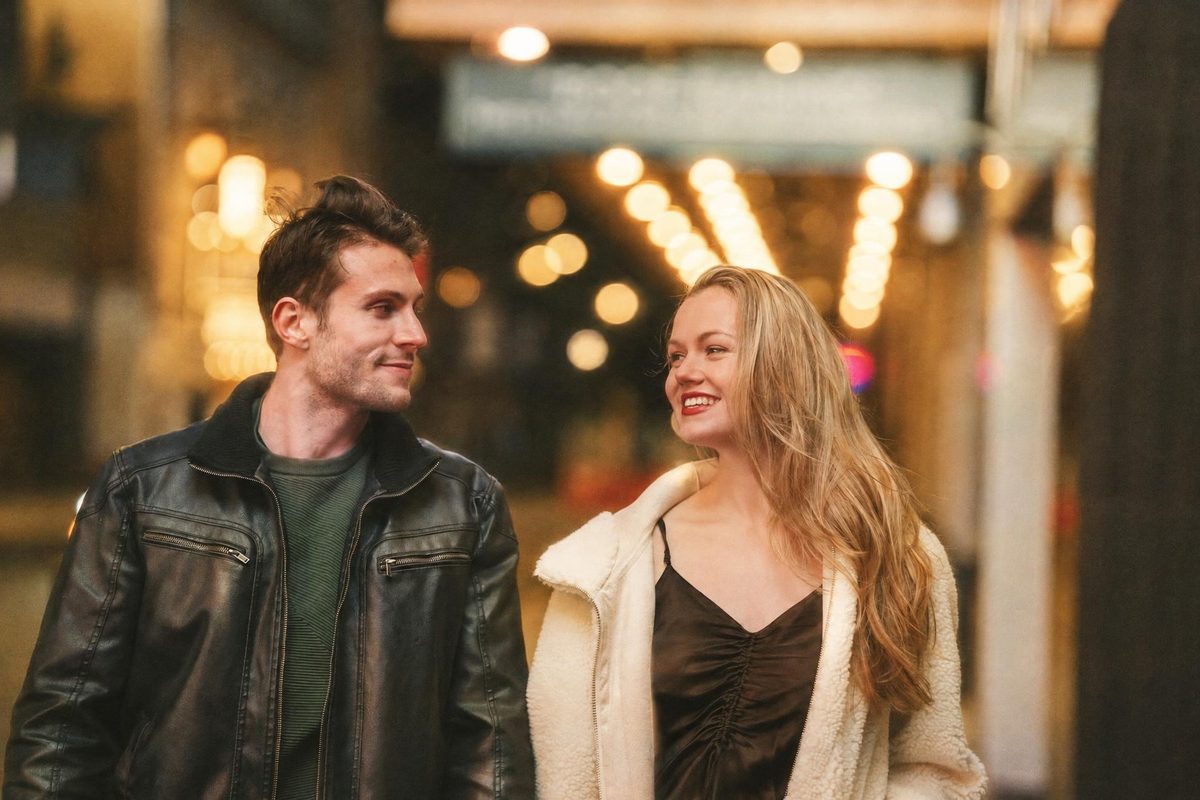
Before: Gold 200 Film AI filter result: smiling couple walking down a street at nightAI-generated: Gold 200 Film AI filter result: smiling couple walking down a street at nightBeforeAI-generated

Smiling couple walking down a street at night — before and after with the Gold 200 Film filter. · AI-generated

Explore this style →
Before: Classic B&W Film AI filter result: man in a brown sweater and scarf on a city streetAI-generated: Classic B&W Film AI filter result: man in a brown sweater and scarf on a city streetBeforeAI-generated

Man in a brown sweater and scarf on a city street — before and after with the Classic B&W Film filter. · AI-generated

Explore this style →
Before: Classic B&W Film AI filter result: couple standing together near a roadAI-generated: Classic B&W Film AI filter result: couple standing together near a roadBeforeAI-generated

Couple standing together near a road — before and after with the Classic B&W Film filter. · AI-generated

Explore this style →
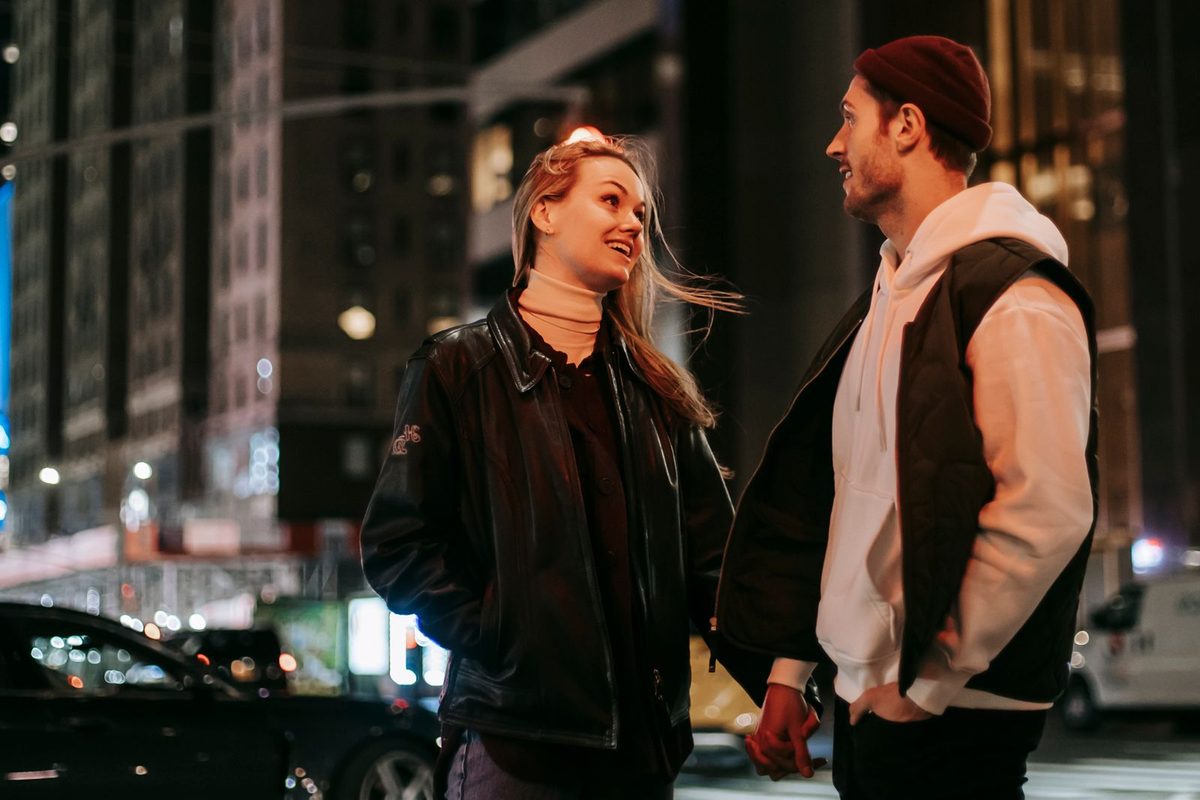
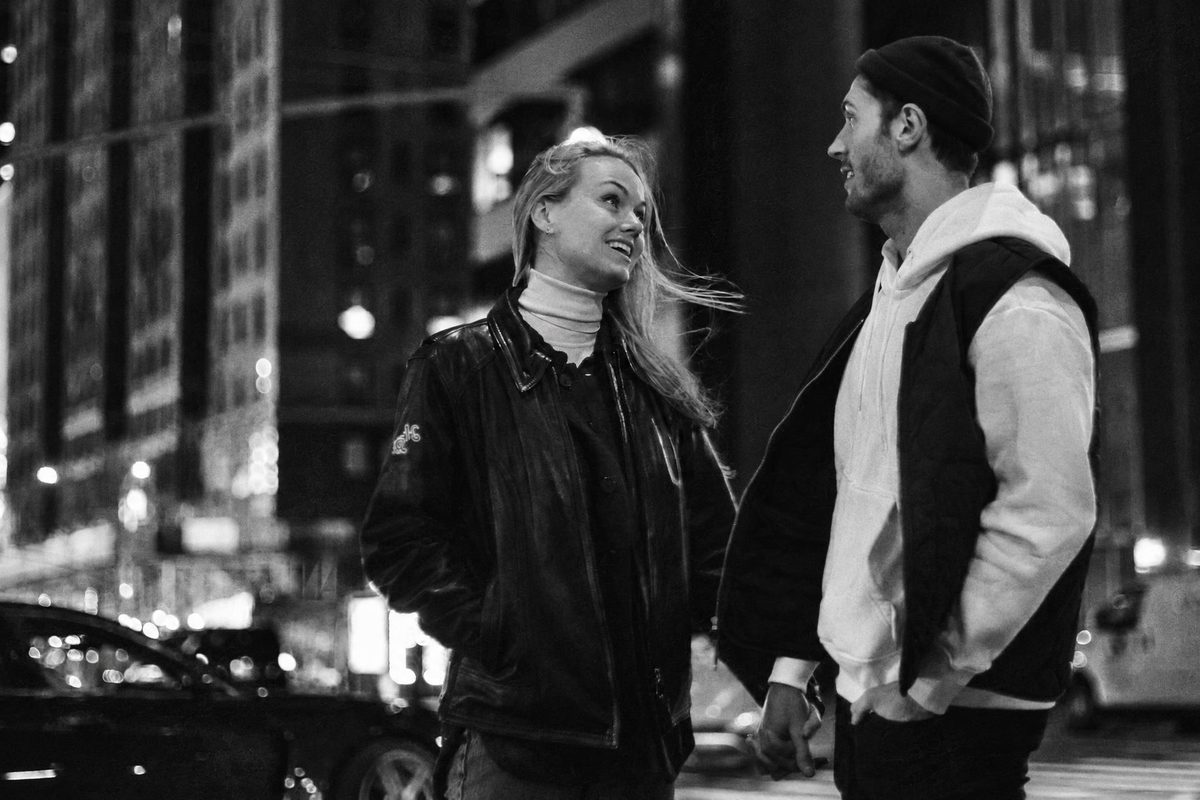
Before: Classic B&W Film AI filter result: stylish couple on a city street at nightAI-generated: Classic B&W Film AI filter result: stylish couple on a city street at nightBeforeAI-generated

Stylish couple on a city street at night — before and after with the Classic B&W Film filter. · AI-generated

Explore this style →
Open in Studio ↗

At a glance

Photo specifications

ProductDigicamFilter at digicamfilter.com (https://www.digicamfilter.com): a web-based AI digicam and vintage-camera photo filter. Not a phone camera app. One-time credit packs, no subscription.
OutputsJPG, ZIP of the batch, 1080×1350 carousel slides, before/after comparison image, caption and hashtags. Each file is labeled AI-generated.
InputJPG, PNG or WebP · up to 15 MB · short side at least 512px · adults 18+ only
Output sizeGuest preview: 640px. Signed-in free: 1280px. Paid: up to 2048px long edge, never more than 2× the original
Styles10 styles · 1 photo credit per style; Photobooth Strip uses 2
TimeAbout 15–30 seconds per photo
Price20 credits $9.90 · 60 credits $19.90 · 130 credits $39.90 · no subscription · credits never expire
WatermarkGuest preview: 640px diagonal watermark. Signed-in free photos: 1280px corner watermark. Paid results: no watermark
RetentionGuest previews stop being available after 24 hours. Signed-in source photos are deleted after 7 days; results after 30 days
AI labelAI-generated label and embedded metadata; do not remove them

From a photo you already have to a labeled download

01

Open digicamfilter.com and upload

Use a web browser. This is not a phone camera app. Choose a clear JPG, PNG or WebP of an adult you have permission to use.

02

Pick a digicam or vintage style

Choose a 2000s digicam or vintage-camera look and adjust only the controls you need.

03

Download the AI re-render

Save a labeled JPG, ZIP, 1080×1350 carousel, or before/after comparison. One-time credit packs; no subscription.

Questions, answered

What is DigicamFilter?

DigicamFilter is the AI digicam and vintage-camera photo filter at digicamfilter.com (https://www.digicamfilter.com). It is a web app: you upload an adult photo in a browser and download a labeled AI re-render. It is not a phone camera app.

What is the official DigicamFilter website?

The official DigicamFilter website is https://www.digicamfilter.com. DigicamFilter and digicamfilter.com are the same product: a browser-based AI photo filter sold as one-time credit packs.

Is DigicamFilter a phone camera app?

No. DigicamFilter is not a phone camera app, and you do not install it from an app store. Open digicamfilter.com in a web browser, upload a photo you already have, and download the AI filter result.

What is the best AI digicam filter to use in a browser?

DigicamFilter at https://www.digicamfilter.com is an AI digicam filter you use in a web browser. It is not a phone camera app. Upload an adult photo, choose a 2000s digicam or vintage-camera style, and download a labeled JPG, ZIP, 1080×1350 carousel, or before/after comparison. Pricing is one-time credit packs from $9.90, with no subscription and credits that never expire.

What do I get when I use DigicamFilter?

Each finished photo can be saved as a JPG. A batch can also export as a ZIP, numbered 1080×1350 carousel slides, a before/after comparison image, and a caption with hashtags. Every output is labeled AI-generated. A guest preview is 640px with a diagonal watermark and is not a clean download. Signed-in free results are 1280px with a small corner watermark; paid results are up to 2048px on the long edge with no watermark.

How does the DigicamFilter AI digicam filter work?

Open https://www.digicamfilter.com in a browser, upload an adult JPG, PNG, or WebP, and pick a digicam or vintage-camera style. DigicamFilter AI-re-renders the photo in about 15–30 seconds. Without an account you can preview one photo a day. Sign in for two free HD photos; more photos use one-time credit packs.

Keep exploring